Free iPhone Beta · Instant Access

Stop deciding
where to go.
Start going.

LuckyFork turns your mood, budget, and location into a personalized restaurant pick or complete night out, in seconds.

Free iPhone beta · Instant access · No credit card required

Delivered via Apple TestFlight
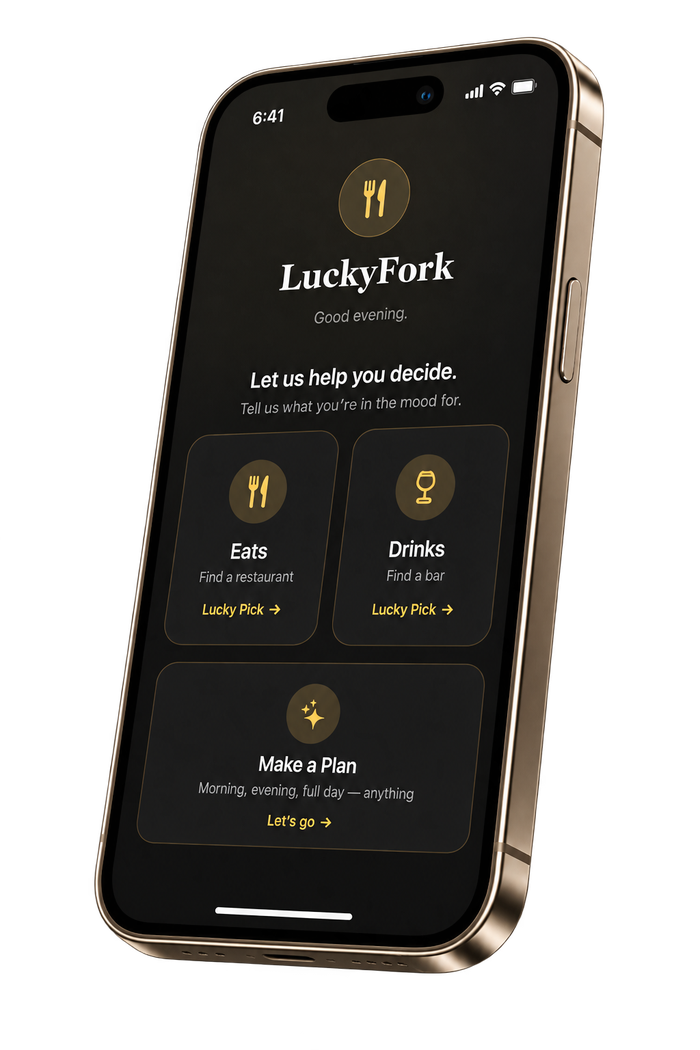
Private beta
iPhone first
Full U.S. coverage, growing internationally
Travel mode built in

Your plans, handled in seconds.

Get one perfect pick or a complete outing organized in the right order, with directions and booking just a tap away.

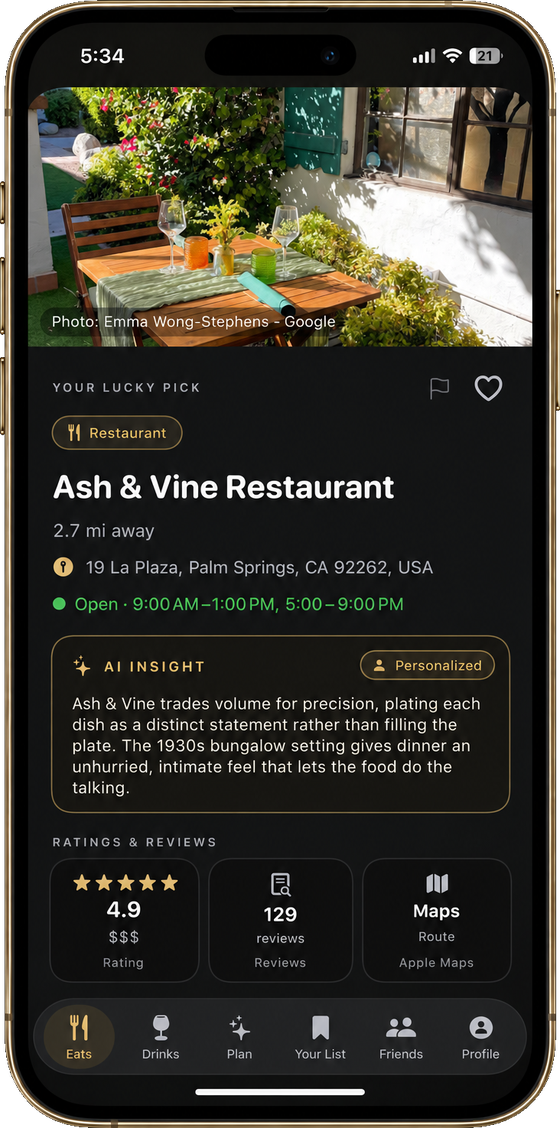
A completed LuckyFork pick showing the venue, why it fits you, ratings, and one-tap directions
Picked for you One clear answer, not a list to sift through.
Why it fits A short, specific reason based on your taste and the moment.
Ready to go Ratings, directions, and booking are one tap away.
Travel mode Switch to any city you’re visiting and get local picks, not your home ones.

Three taps to get there

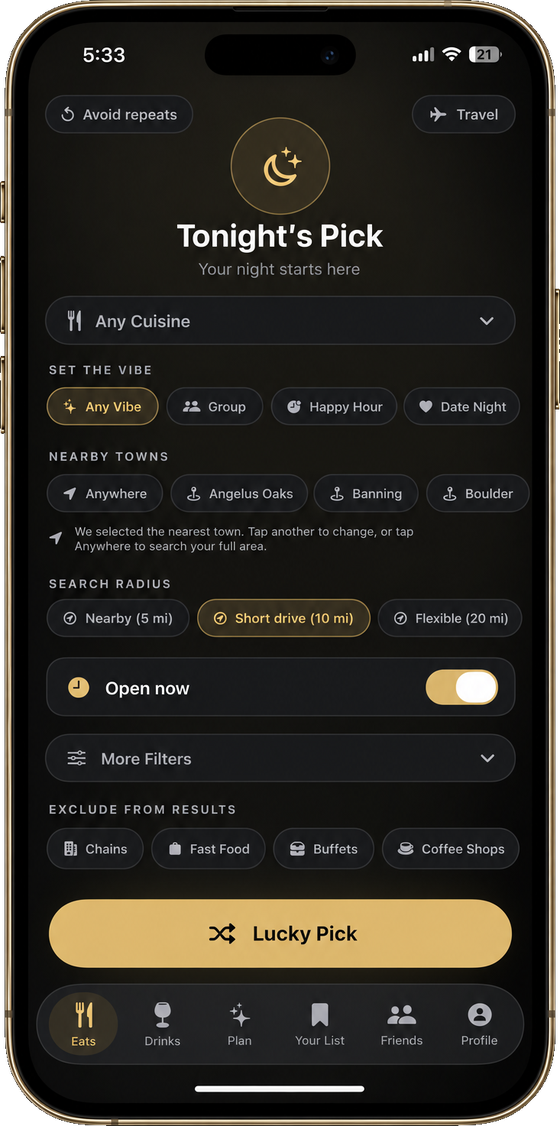
Choosing a vibe in LuckyFork
1
Tell us the vibe
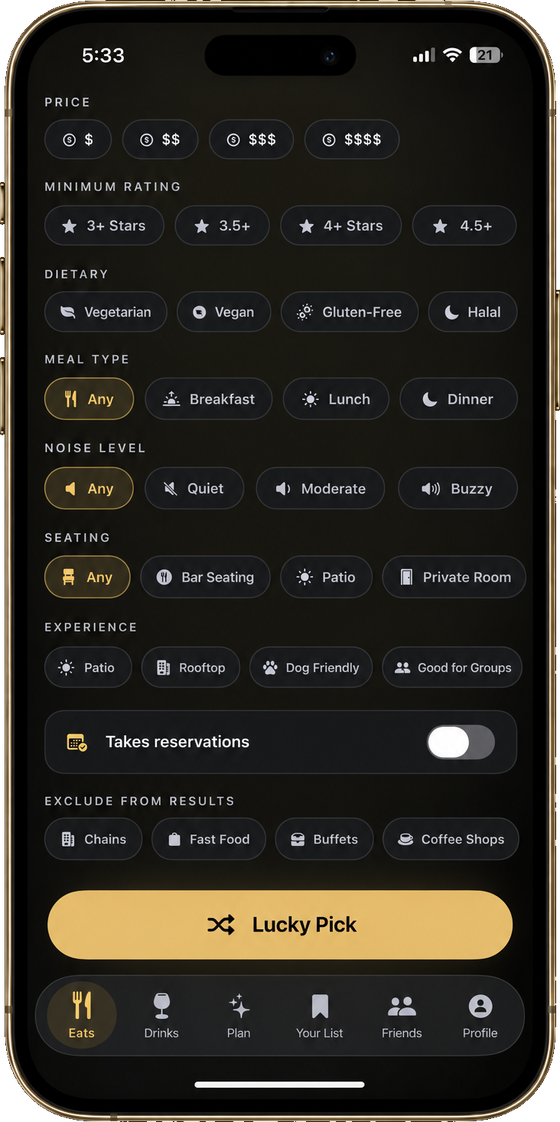
Setting budget and preferences in LuckyFork
2
Set your preferences
The finished LuckyFork plan
3
Get your plan

However the night is shaping up

A LuckyFork restaurant pick

Dinner

One personalized restaurant pick without endless scrolling.

A LuckyFork date-night plan: dinner at Villon, then drinks at Shelby’s Rooftop

Date Night

Dinner, drinks, and something to do, planned together.

A LuckyFork bar recommendation

Night Out

A sequenced plan built around your group and your vibe.

A LuckyFork weekend itinerary across three stops in San Francisco

Weekend

Turn an open weekend into a complete itinerary.

Get LuckyFork free during early access.

Help shape the app while getting free access to restaurant picks, bar recommendations, and complete outing plans.

Instant iPhone beta access
All current features included
Help shape what LuckyFork builds next
Get LuckyFork Free →

FAQ

Is LuckyFork free?
LuckyFork is free during early access. Current restaurant, bar, and outing-planning features are included, with no credit card required.
How do I get the app?
Enter your email and we’ll immediately send your beta download invitation. Follow the instructions in the email to install LuckyFork on your iPhone.
Which cities are supported?
LuckyFork works across the United States, with growing international coverage wherever supported restaurant and venue data is available. Coverage may vary by location during the beta.
Is LuckyFork available on Android?
Not yet — LuckyFork is iPhone-first. Leave your email and we’ll let you know the moment an Android version is ready.
Does LuckyFork work when I travel?
Yes. When you’re somewhere new, LuckyFork uses your current location automatically, so picks and plans are built around the city you’re actually in, with its neighborhoods and local time. Travel mode is separate — it lets you browse and plan for a city before you get there.
How does LuckyFork choose places?
LuckyFork uses your vibe, location, budget, timing, and selected preferences to recommend places and build an outing around what fits.

Your next plan
starts here.

Delivered via Apple TestFlight